SIP Credentials
Once your balance is active, your next step is to create a SIP Account. In our ecosystem, a SIP account serves as your digital identity — it provides the credentials (username and password) that connect your hardware or software to our global network. To create a SIP account:
- Navigate to the SIP tab in the top menu.
- Click the Create SIP account button.
- Give the account a friendly name (e.g.,
Office_DeskorMobile_App) to help you identify it later, set a secure SIP password, and select one of the DIDs on your account as the Caller ID for outbound calls. - Optionally, restrict access by specifying authorised IP addresses, maximum call length, channels, and maximum call cost. If these parameters are not configured, the global account limits will apply.
- Click Create.
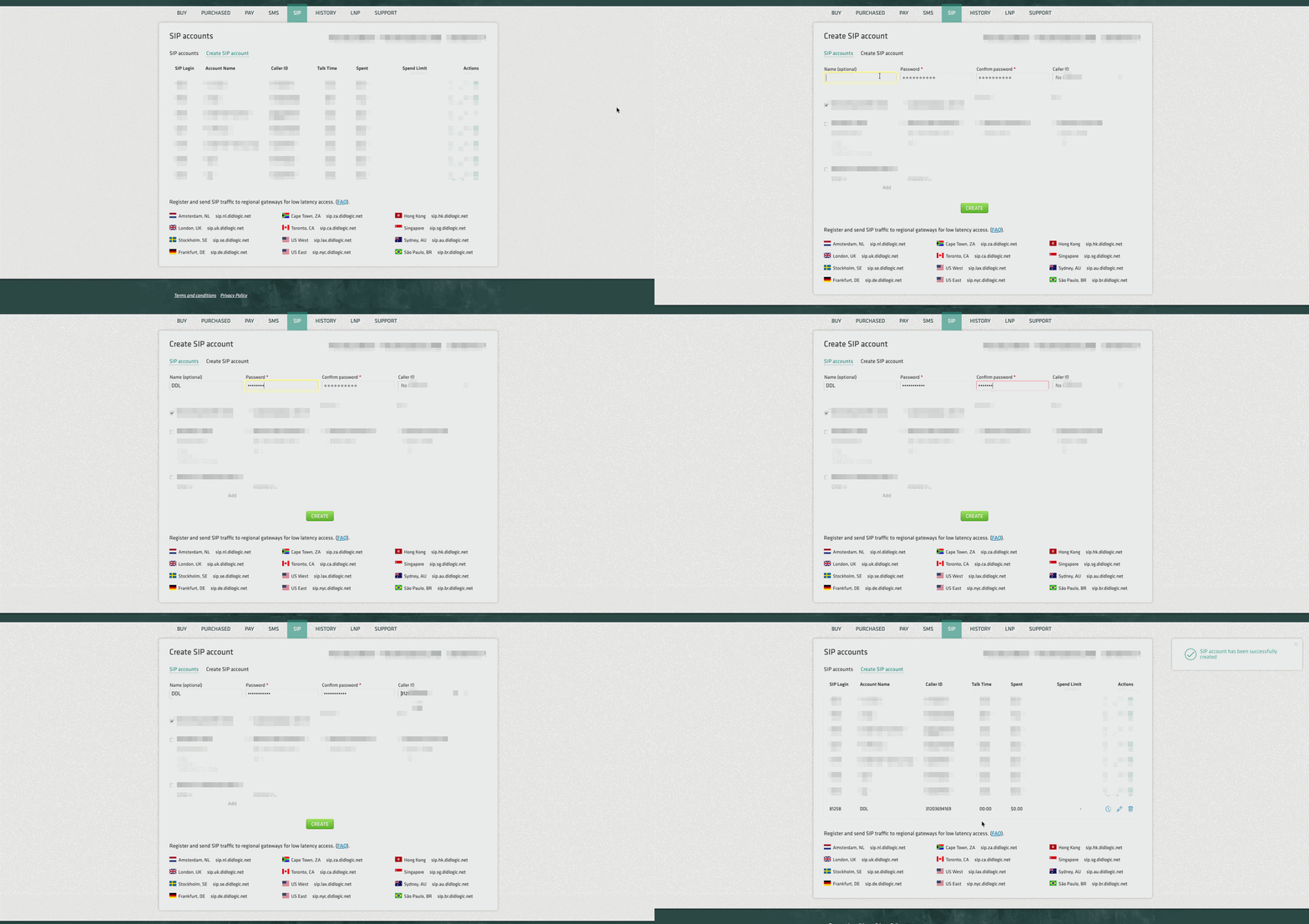
Once created, the account will appear in your SIP accounts list.
success
The system automatically generates a unique 5-digit SIP Username (e.g., 36465). You must use this 5-digit ID, along with the password you set, to register your device or software.