Inbound Setup
To set up inbound calling, you must tell the system exactly where to send incoming calls. Without a defined destination, the system will not know how to connect your callers.
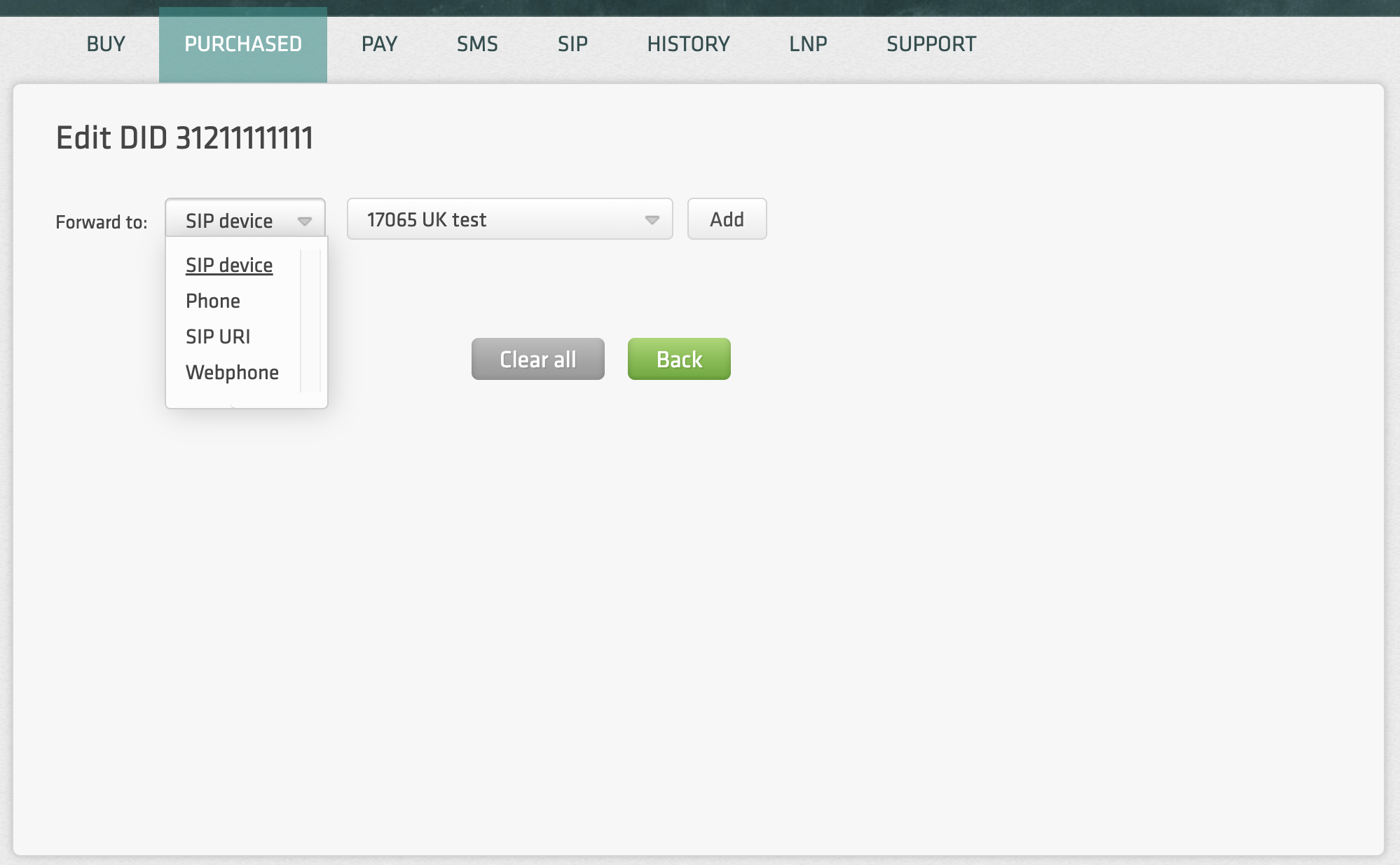
Navigate to the Purchased section and click on the Destinations of a specific number to specify your routing logic. You have several options for how calls are handled:
-
Destination Types: You can route calls directly to a SIP account, our Webphone, a SIP URI, or an external mobile/landline number.
-
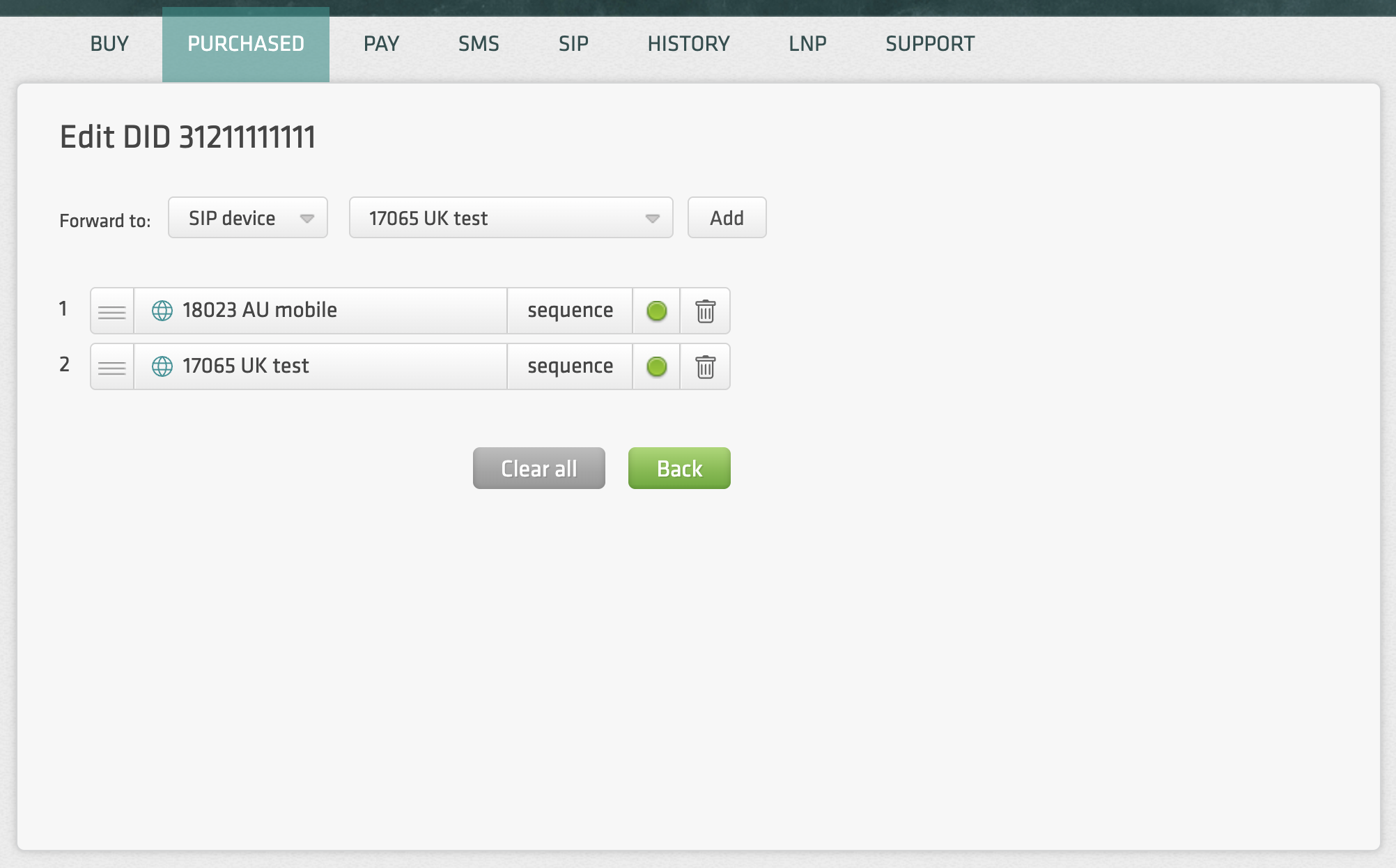
Sequence & Hunt Groups: For more complex needs, you can set up call hunt groups or define destinations sequentially. For example, you can program the system to ring your first SIP account and, if there is no answer, automatically forward the call to another SIP account.
Save Time with Defaults
If you frequently use the same routing targets, you can set up Default Values for SIP URIs and phone numbers in your Account Settings. Once configured, these defaults will be applied automatically whenever you select that destination type for a new number, saving you from manual entry every time you expand your inventory.